LIVE WORKSHOP | SEPT 07, 2024 | 11:00 AM EDT
ENTERPRISE UI DESIGN RULES
Learn my proven rules for making significant UX improvements to even the most complex enterprise user interfaces — through small, simple changes to specific UI components.
REGISTER NOW – JUST $97( FREE to UX 365 members )
If you’re not a UX 365 member, you could have access to every course, training video, guidebook, e-book and live workshop recording I’ve ever done — for just a little more than the price of this workshop.
Join the UX 365 Academy here.
Because you'll never have the time, the control or the access to users you want.
You're designing a product for users you've never met, whose feedback you're never gonna get.
Sound familiar? This is a common scenario in enterprise UI design, where access to actual users is either extremely limited or completely non-existent.
And if that weren't enough, your stakeholders are asking for significant UX and UI improvements in a matter of weeks.
In these situations, there's really only one play you have — and that's to improve the visual design of onscreen components.
The good news is that if you do it right...it's enough to dramatically improve a user's experience.

UX improvement for enterprise apps is a game of inches — of small, individual wins.
You learn to focus on the changes that matter most.
The key in these situations is to identify which elements of the UI — even at an atomic level — can make the most significant difference in user experience.
So you start with incremental changes, across the parts of the system that drive real metrics like efficiency, accuracy, task success, time on task and error reduction.
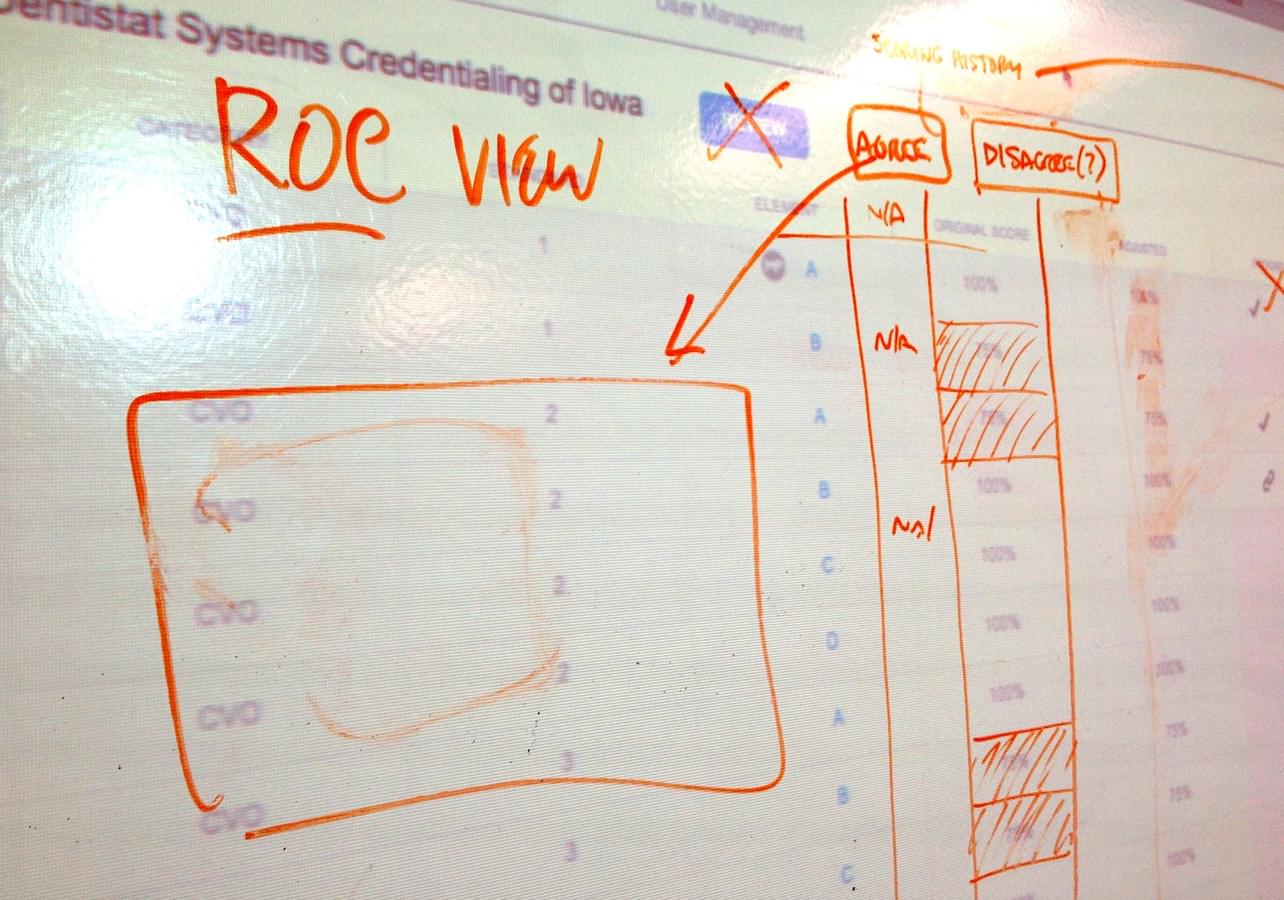
I’m going to give you design rules that improve 10 key areas of every UI.
During this workshop I'll show you how to focus your efforts on the changes that matter most. And I'll give you ironclad rules for redesigning the elements of the UI — at an atomic level — that make the most significant difference in user experience:
• Dashboards
• Global, local + dynamic navigation
• Icons
• Filters + interactive controls
• Data, content + labeling
• Data tables
• Containers
• Primary, secondary + tertiary actions
• Forms
• Modal dialogs
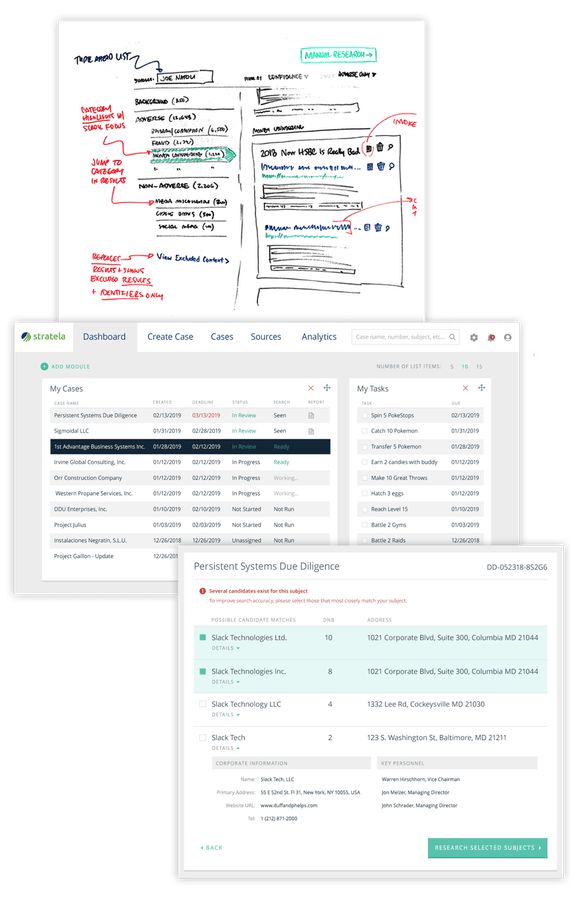
LIVE WORKSHOP | SEPT 07, 2024 | 11:00 AM EDT
Learn my rules for improving UI + UX within the bounds of legacy technology.
SAVE YOUR SEAT NOW( FREE to UX 365 members, $97 for non-members )
These strategies will help you stay calm, focused, and productive — no matter how tight your deadlines are.
When you've got limited say, limited time and limited control, you have to be able to quickly identify which design tasks will have the most impact — and know how to tackle them first.
What I'll share with you here is essentially a design triage process that ensures the most critical elements are improved fast and completed first.
These are techniques that speed up the design process, streamline your workflow and require minimal development changes — without sacrificing quality.

FREE for UX 365 members.
$97 for non-members.
REGISTER NOWIf you're not a UX 365 member, you could have access to every course, training video, guidebook, e-book and live workshop recording I've ever done — for just a little more than the price of this workshop.
Including ALL of my Udemy courses.
Join the UX 365 Academy here.
